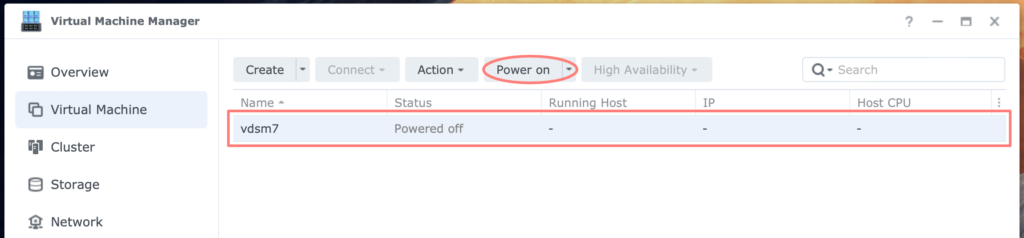
Virtual Machine Manager – datasheet
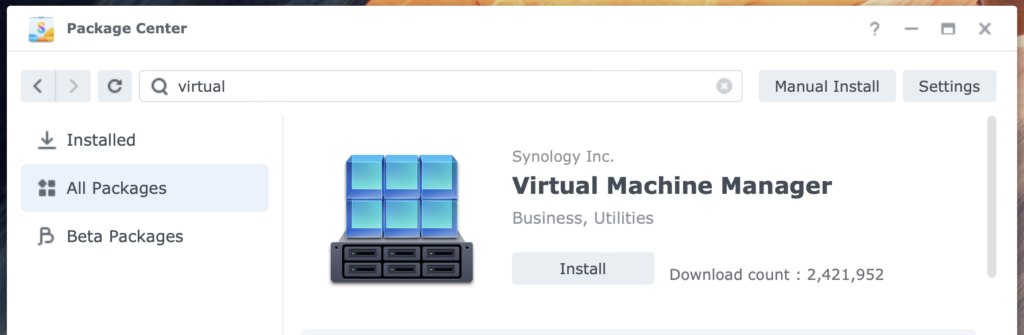
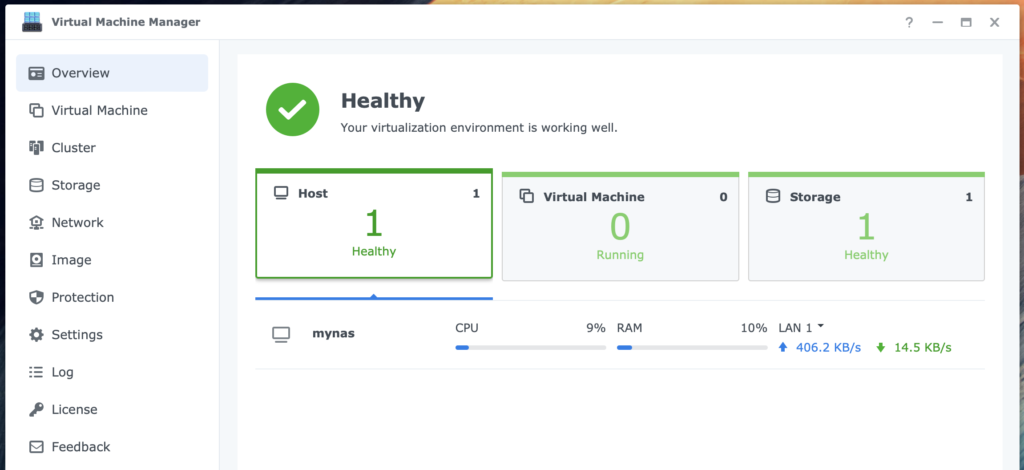
The Virtual Machine Manager (VMM) is a hypervisor for DSM. You can install virtual machines running Windows, Linux, and DSM. (2 minutes)
Virtual Machine Manager – datasheet Read More »
The Virtual Machine Manager (VMM) is a hypervisor for DSM. You can install virtual machines running Windows, Linux, and DSM. (2 minutes)
Virtual Machine Manager – datasheet Read More »
Virtualization is a technique in which you run a computer system in a virtual machine. The virtualization software emulates the underlying hardware for the virtual machine. (20 minutes)
Using Virtual Machine Manager On Synology Read More »
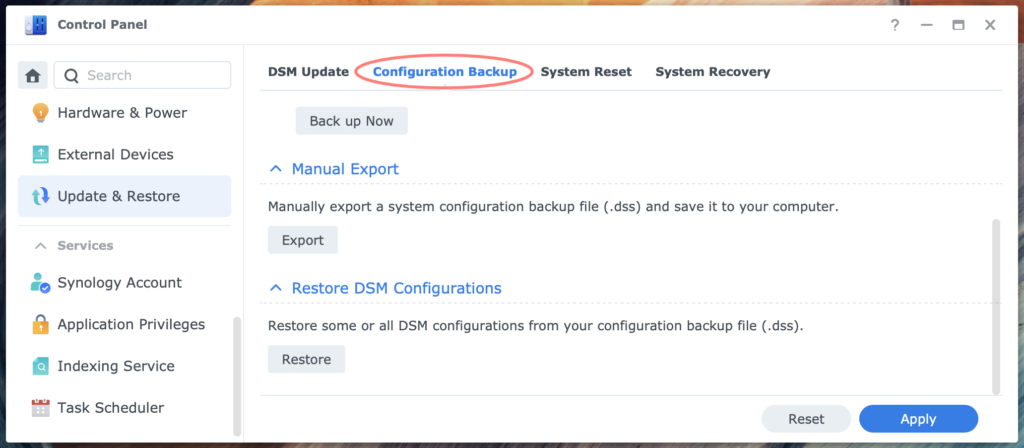
The NAS configuration is invisible but contains invaluable data for your system-level configuration. For the continuity of the NAS service, it is vital that you periodically create a backup after configuration changes: the configuration backup. (6 minutes)
Using Configuration Backup With Synology NAS Read More »
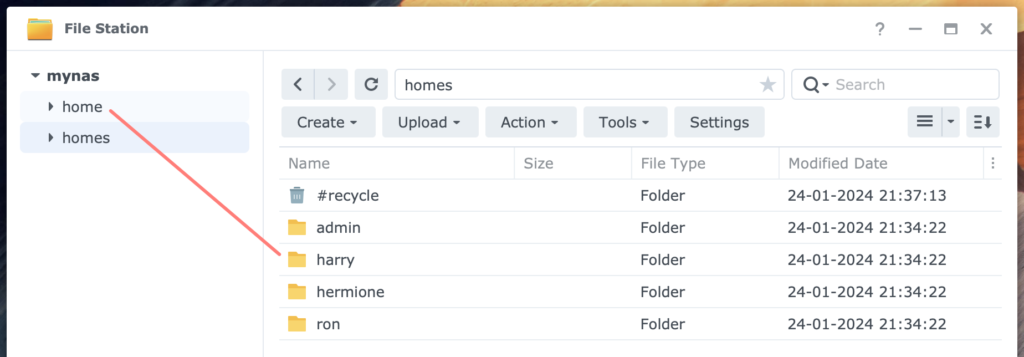
What is the difference between a shared folder and a user’s home folder? When do you need home folders, and how do you set them up? This and more you find covered in this post on home folders. (5 minutes)
Using Home Folders On Synology NAS Read More »
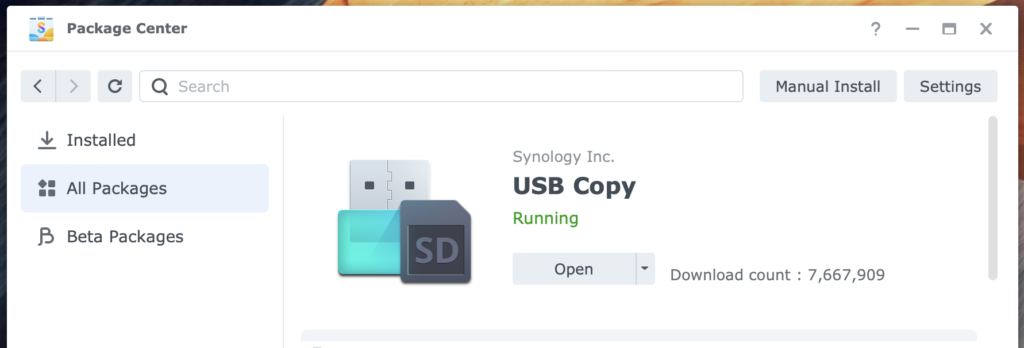
Using USB Copy on Synology NAS makes copying tasks between USB drive and NAS quicker and easier. Define tasks and link them to a USB drive. After connecting the drive, copying can start automatically. (17 minutes)
Using USB Copy On Synology NAS Read More »
You can connect a USB disk, including SD card drives, to your NAS and use it for different purposes. For example, you can transfer files to or from your NAS. Or you can use it as a storage location for NAS backups. (7 minutes)
Using USB Disk With Synology NAS Read More »
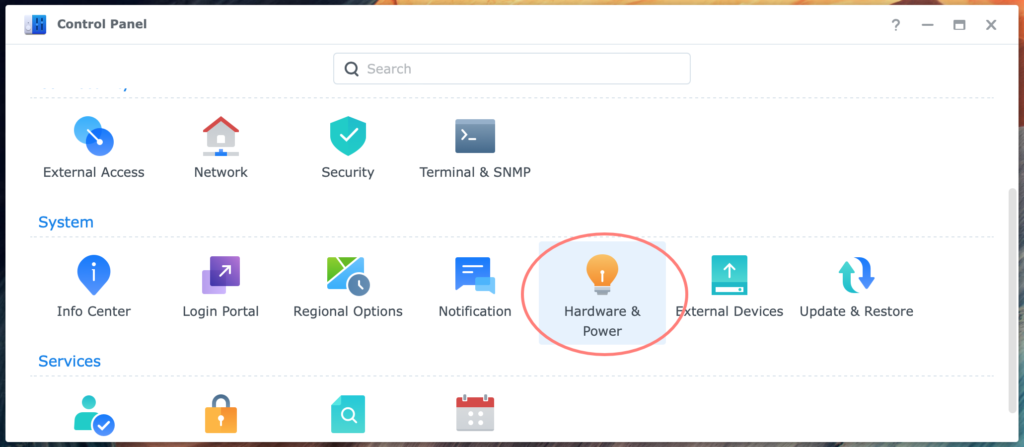
A NAS is very prone to fluctuations in AC power. Data loss, corruption, lost RAID configuration, and damage to hardware are potential causes of power fluctuations or interruption. A UPS is the solution to this problem. (10 minutes)
Configuring UPS In Synology NAS Read More »
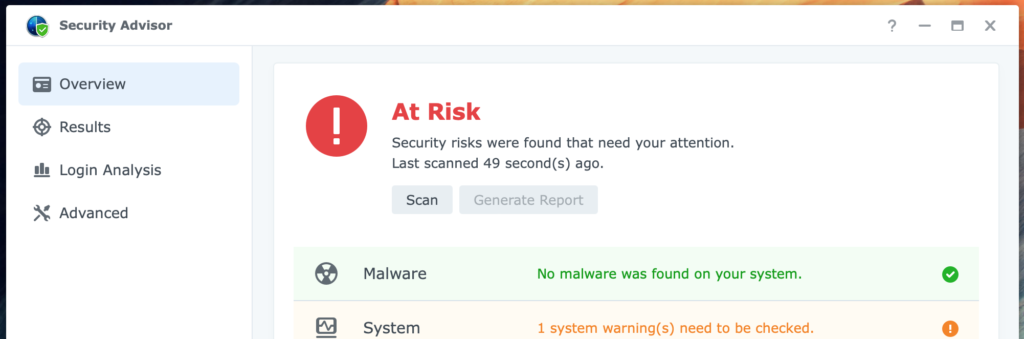
Every conscious NAS administrator takes security seriously. However, it is often difficult for the less experienced administrator to know where to start. Synology understands the challenge and came to the rescue with the Security Advisor. (7 minutes)
Using Security Advisor On Synology NAS Read More »
Your NAS is a computer. Computers run the software. The software receives updates. That is the basic rule. There are two kinds of updates on a Synology NAS and roughly two ways to deal with it. (9 minutes)
Understanding Synology NAS Updates Read More »