
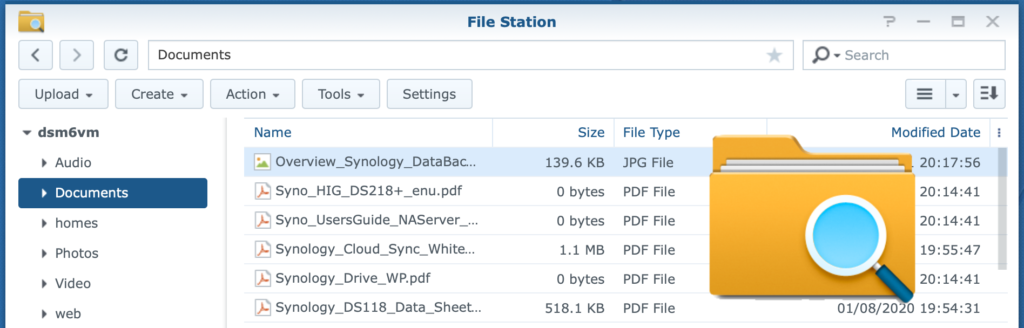
File Station – datasheet
File Station is the file manager of DSM. You can copy, move and delete files and folders. You can create folders and set permissions for files and folders.
File Station – datasheet Read More »
Synology is a Taiwanese brand that manufactures a wide range of network-attached storage devices, network routers, and other appliances. This category includes all articles from other subcategories (Beginner, How-to, Tutorial, Datasheet).
File Station is the file manager of DSM. You can copy, move and delete files and folders. You can create folders and set permissions for files and folders.
File Station – datasheet Read More »
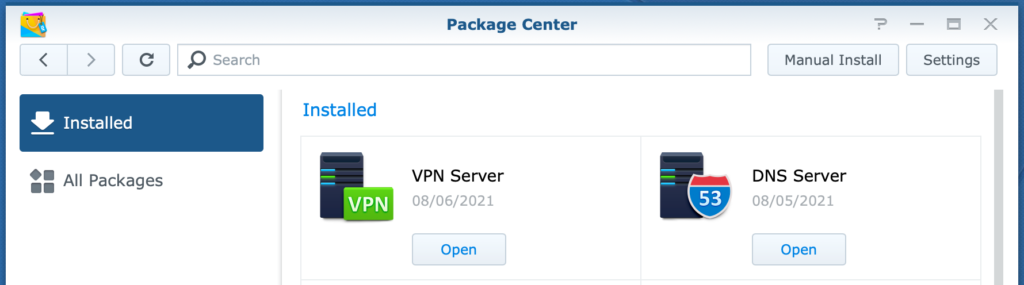
With Package Center you install software packages on your NAS. You can view all packages or installed packages.
Package Center – datasheet Read More »
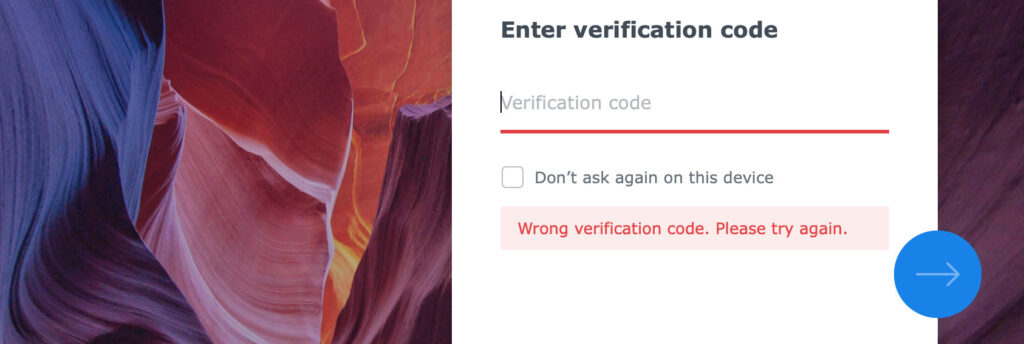
Recover failed 2-step authentication due to an out-of-sync internal clock.
How To Recover Failed 2-Factor Authentication Read More »
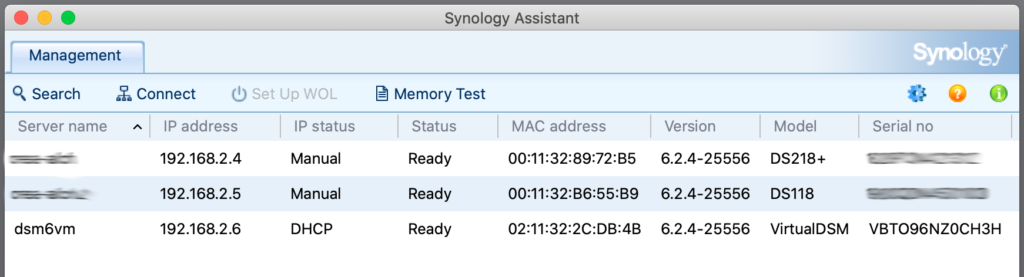
Find your Synology NAS on your network by name and IP address.
How To Find Your Synology NAS Read More »

Log in to the Synology DiskStation Manager from your browser.
How To Log In To Synology DSM Read More »
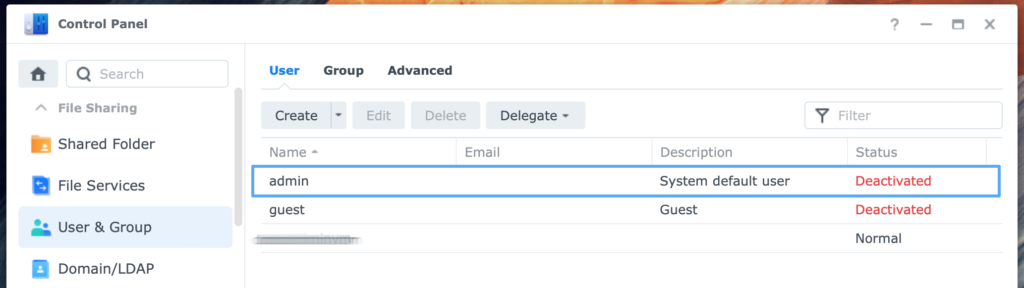
Disable the default admin account and replace it with a custom administrator account.
How To Disable Default Admin Account Read More »

Making a Time Machine backup from your Mac to a Synology NAS is very convenient and easy to setup. Find a step-by-step guidance in this post. (19 minutes)
Time Machine Backup To Synology NAS Read More »
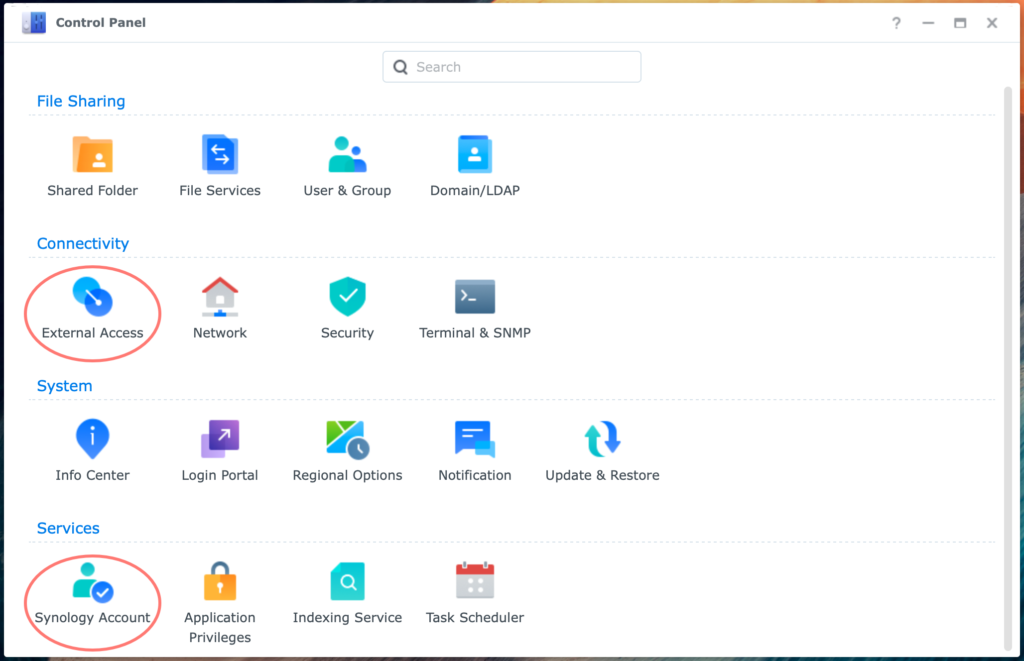
Using QuickConnect with Synology NAS is by far the quickest and easiest way to access your DiskStation from the internet. (9 minutes)
Using QuickConnect With Synology NAS Read More »
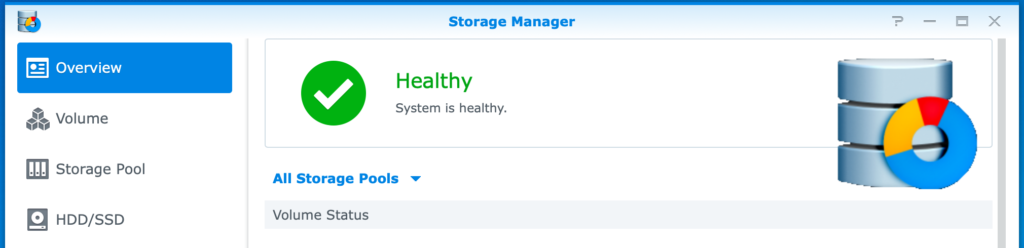
You can create separate Volumes on your Synology DiskStation. What are the benefits? In this post, I will discuss the reasons for creating multiple Volumes or Storage Pools. (7 minutes)
Using Volumes On Synology NAS Read More »
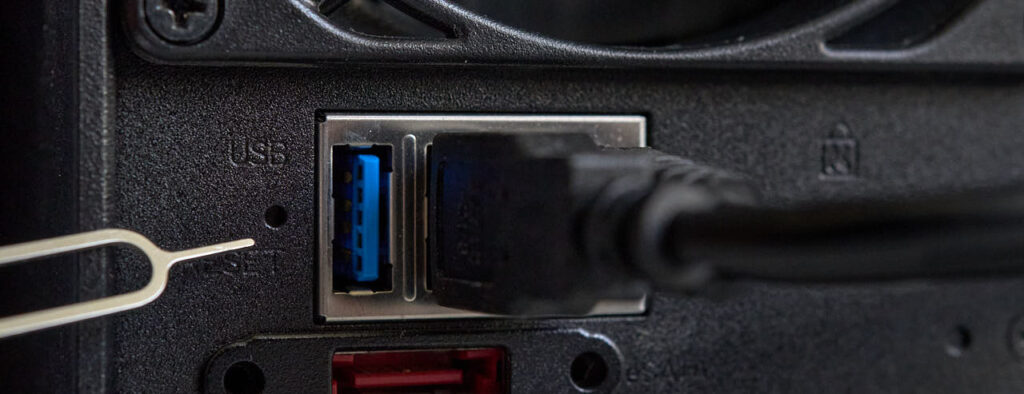
You may not be able to connect to a NAS or login with administrative rights. Learn when and how to reset your Synology NAS and get access again.
How To Reset A Synology NAS Read More »